

Household view
BOX 023
Office
- Laptop charger
- Camera
- Hard drives
- Paperwork
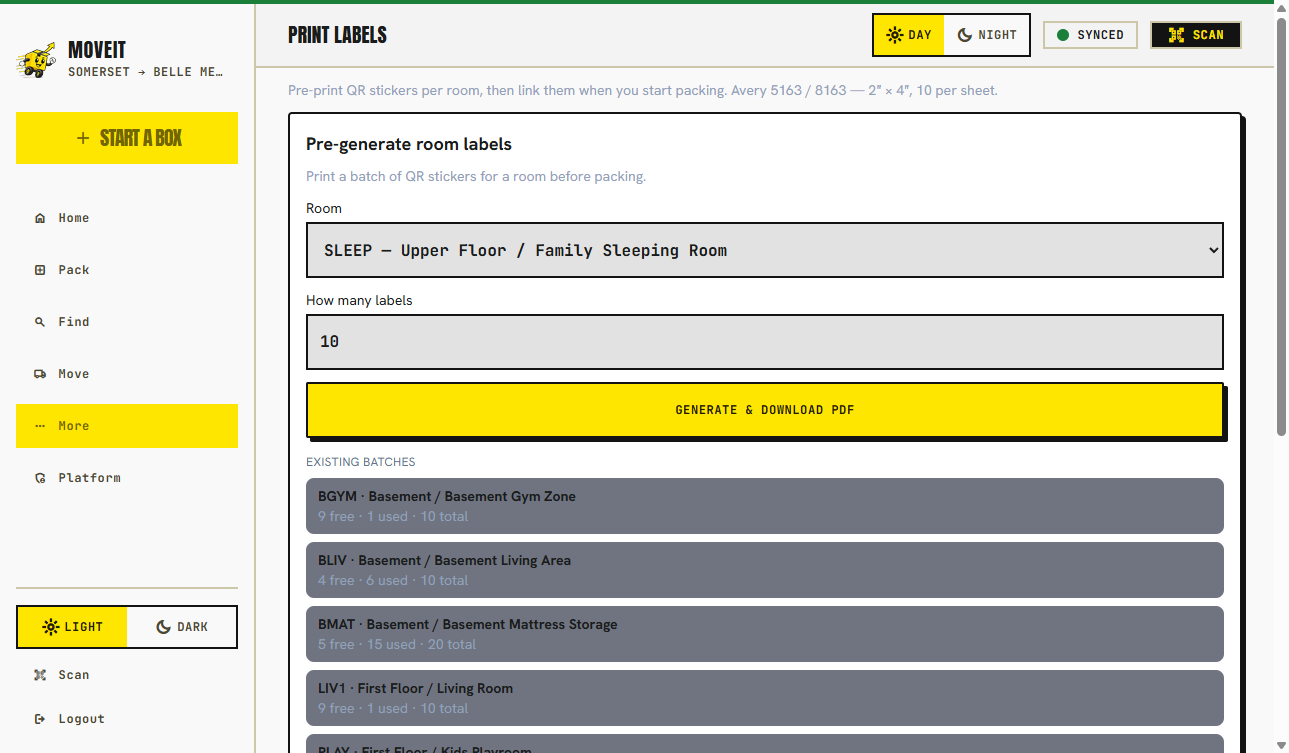
QR moving labels
The problem
A room name is what you write when you are tired. A useful label names the floor and a short code the crew was briefed on — K2, MBATH, GAR — in letters they can read from two meters. The QR is for the exceptions: a private box, a pre-printed sticker assigned at pack time, or a lead reconciling loaded vs delivered.
On the sticker
OPEN FIRST is not printed on the label. It lives in the inventory so you can find first-night boxes without advertising them on the cardboard.
Two views
Household view
BOX 023
Office
Scan → destination
Mover scan
BOX 023
Target destination
OFF
Office
Floor 02
4 items · contents hidden
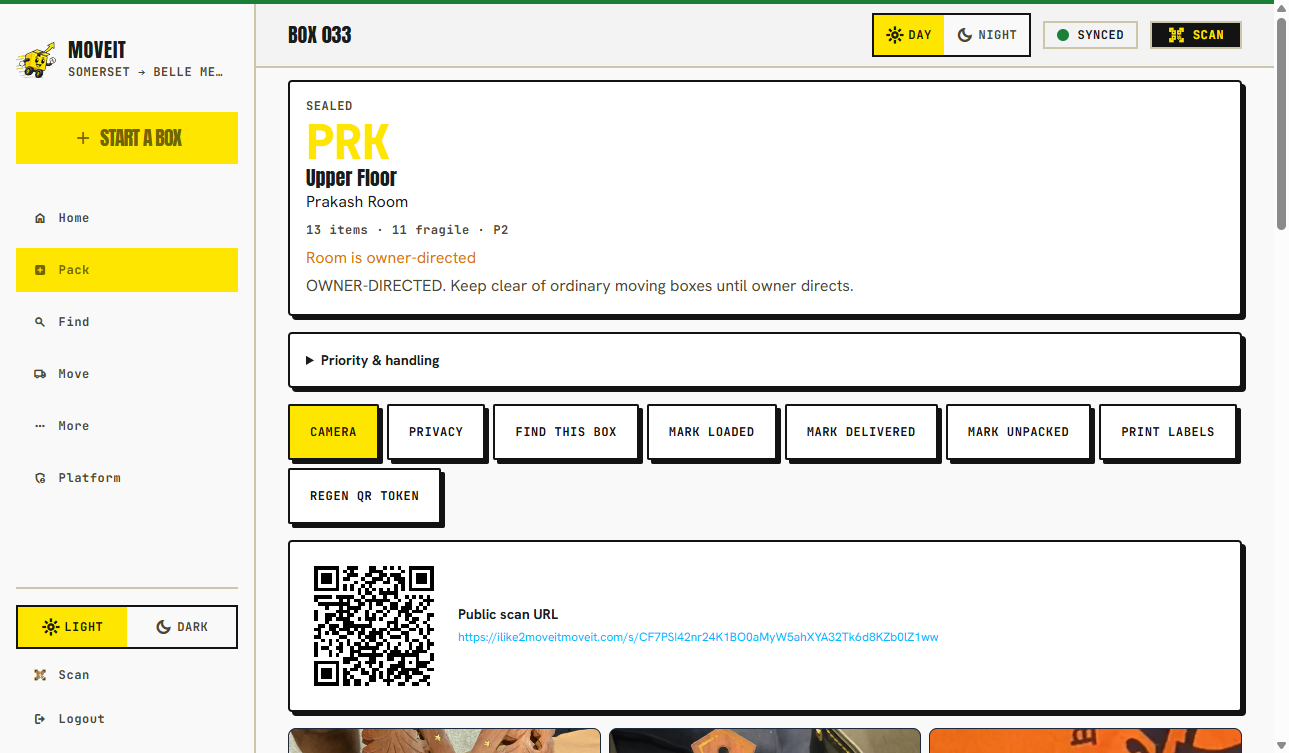
Photos, items, and the QR that goes on the box.
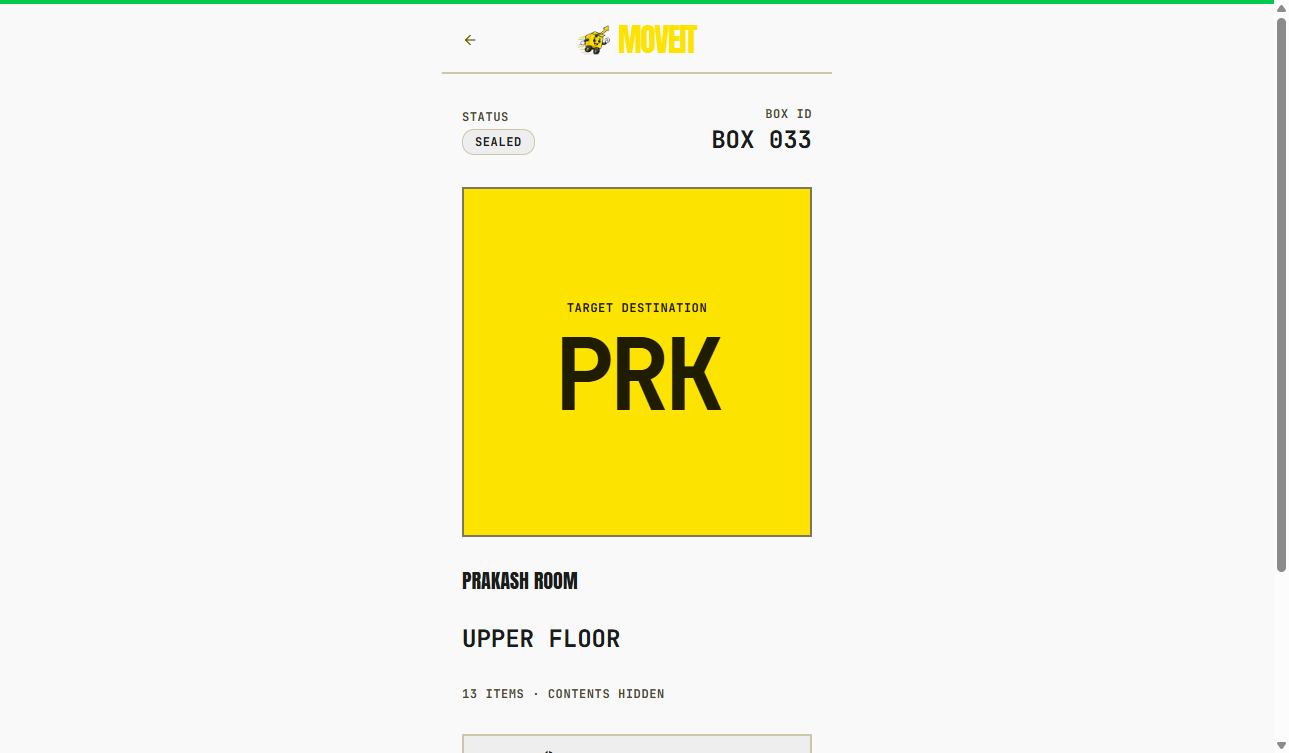
Floor, room, mover code. Contents hidden by default.
Privacy
Public box scans show the information needed for placement and handling. Detailed contents stay hidden by default, with per-box controls for what is shared.
How box privacy works →Default. Floor, room, mover code.
Routing hidden. The scan page says to ask the owner.
Moving day
Crews scan with any phone camera — no crew app. Text-to-speech can read the floor and room. Marking loaded or delivered uses a signed, expiring crew link from the household.
FAQ
Avery 5163 and 8163 (2×4″). You can pre-print a stack per room or generate labels when you seal. Calibration PDFs exist because printers lie about millimeters.
No. Default public scans are destination only — floor, room, and mover code. Item photos and voice notes stay off the scan page.
No. Open-first is a packing/unpacking flag in the inventory. The printed sticker is for destination, handling, and the QR.
Label rescue reassigns, reprints, or rotates a sticker when one comes off the cardboard.
Keep going
Carry the same boxes from packed to loaded to delivered.
What crews see, and how a household shares a crew link for checkpoints.
Photograph as you pack so the QR has something useful behind it.
Room codes, handling flags, and why “Kitchen” fails on a three-story house.