

Moving-day box tracking
Know what went on the truck. Know what came off.
Why this exists
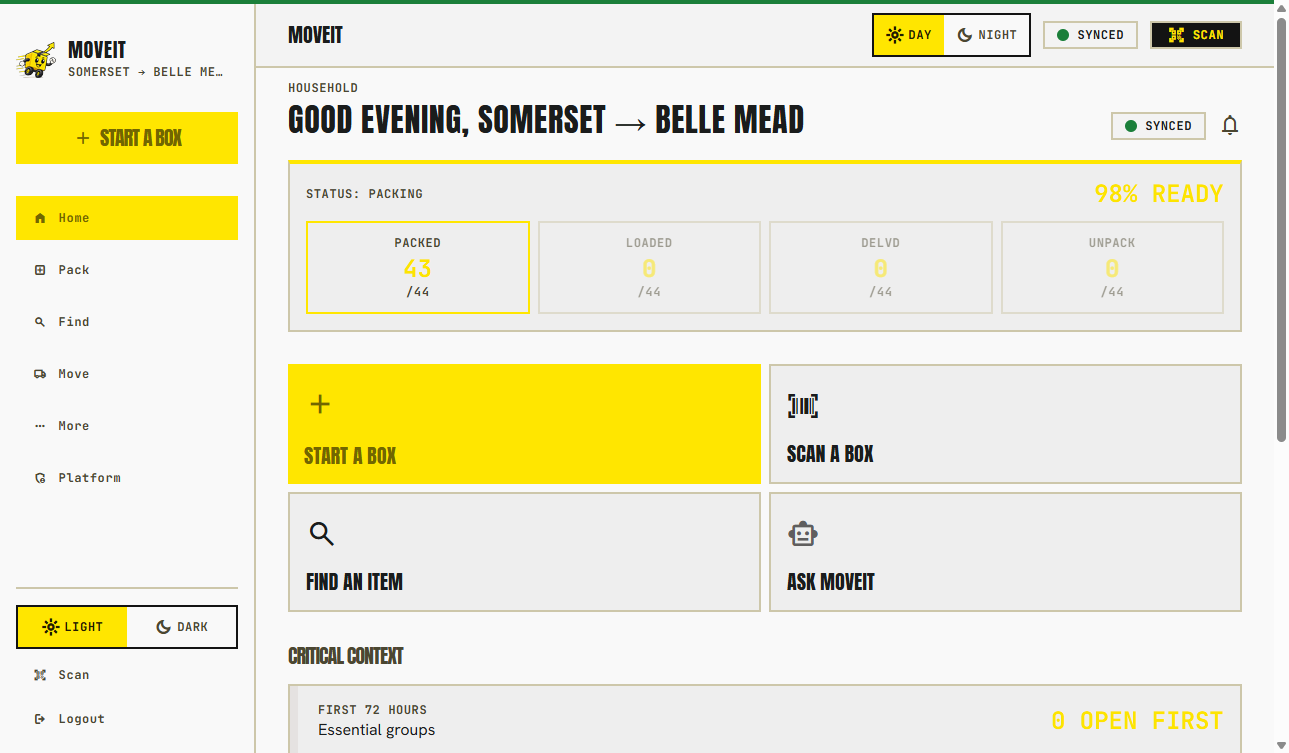
Packing inventory should not stop at pickup.
A sealed box in the hallway can miss the truck. A loaded box can be delivered to the wrong floor. You need both checkpoints — not a vibe, and not a claim that the system will invent a “missing” state on its own.
Box accountability
Packed → loaded → delivered.
Packed
Sealed and in the inventory
The box has a destination, a QR, and a photo record. It is not on the truck yet.
Loaded
On the truck
A household shares an expiring crew link. The crew marks the box loaded. Double-taps do not invent extra boxes.
Delivered
Off the truck and in the house
The same people mark delivered at the door. You walk what is left before anyone leaves.
Scan workflow
Phone camera. Browser page. Optional invite.
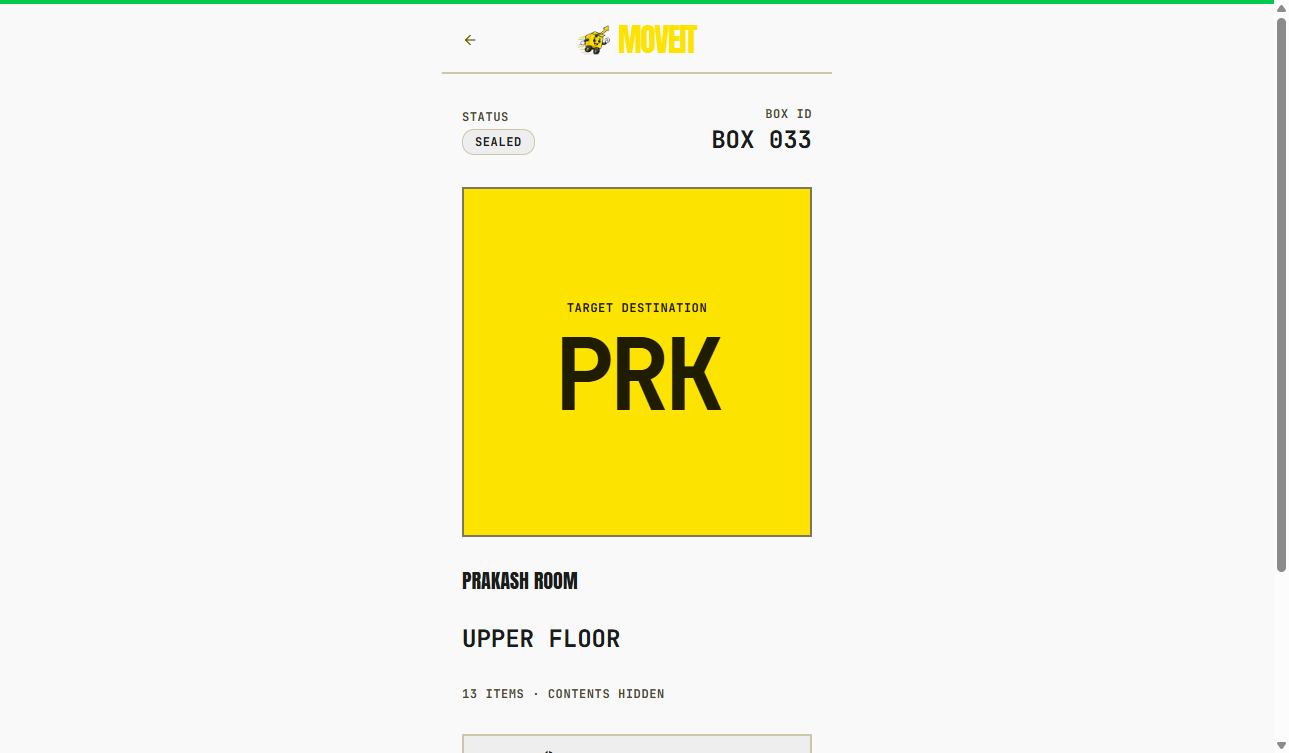
Scan the sticker
Any phone camera. No crew app. Floor and room in the browser.
Destination floor and room ride on the label and the scan page so “Bedroom” is not a guessing game. Handling flags appear when the owner shares them.
The household watches exceptions: sealed but not loaded, loaded but not delivered, and P0 boxes. That is the list you walk at the door.
MoveIt for movers →After delivery
Search the same catalog you packed.
When a box is in the house, the job becomes finding the coffee maker — not rebuilding a spreadsheet. Search by item, box, or room, then unpack from the same record.
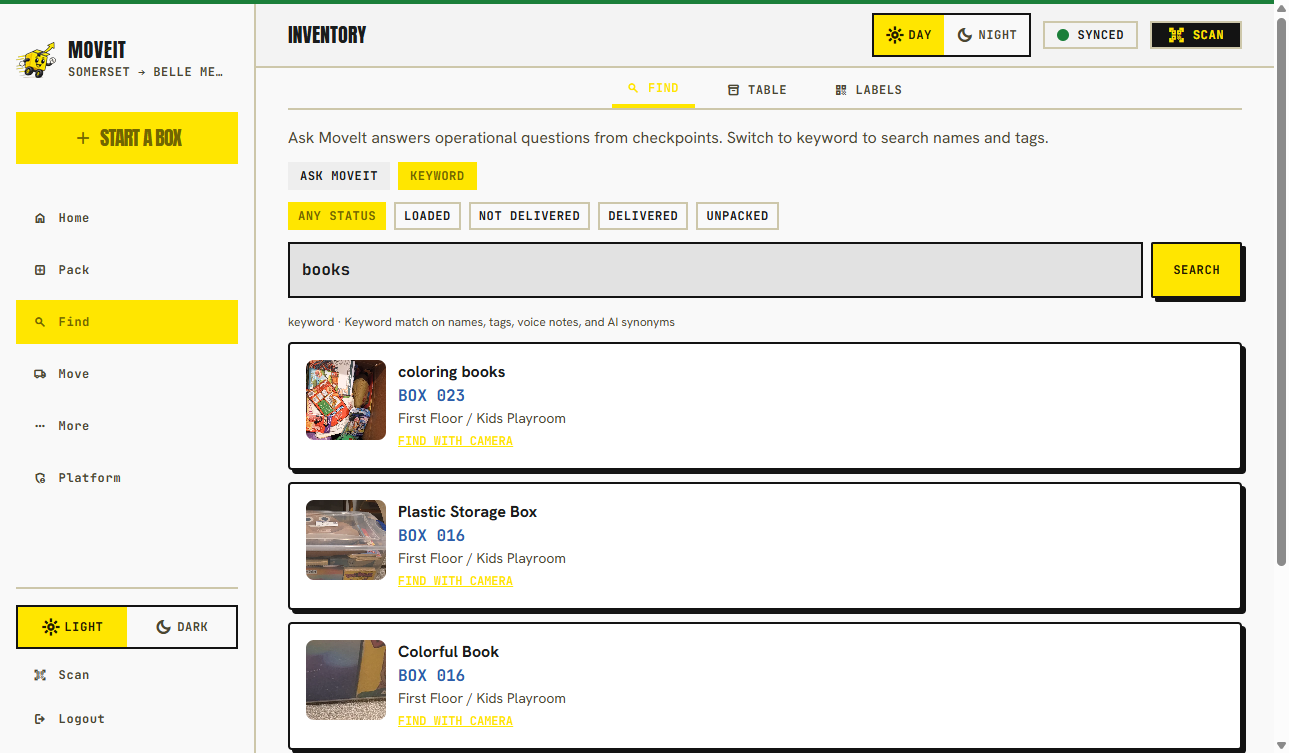
Find the box
The moving-day log and the inventory are the same system.
FAQ
Accountability, not magic
Does MoveIt automatically declare a box missing?
No. There is no MISSING box state. You get packed, loaded, and delivered counts, plus an exception list of sealed-not-loaded and loaded-not-delivered boxes to walk before the crew leaves.
Can any scanner mark loaded or delivered?
No. Reading the public scan page needs no account. Writing a checkpoint uses a signed, expiring crew link from the household.
What about high-priority boxes?
P0 boxes surface on the exception list so they are not treated like ordinary cargo. That is a walk-the-list feature, not an automatic alarm.
Keep going