

Rooms and storage
Permanent locations replace “still in a box.” Find seasonal things in the basement without a scavenger hunt.
After the move
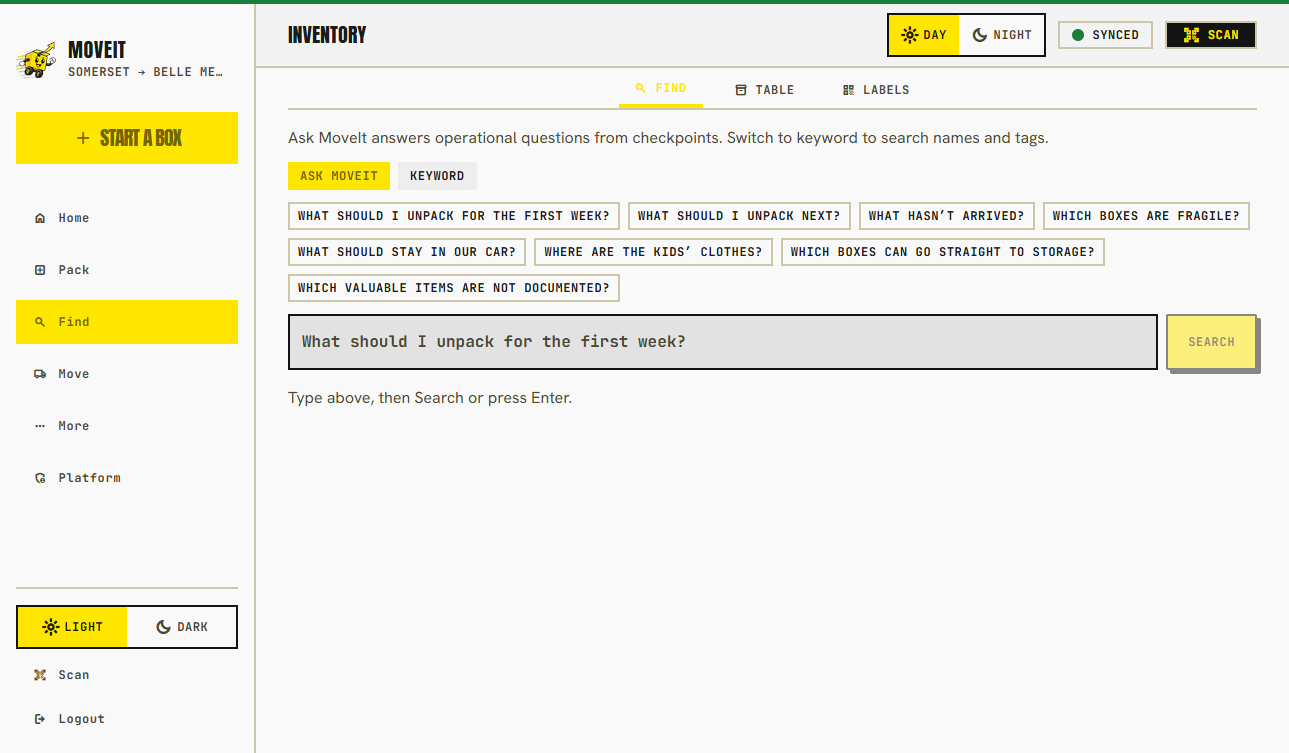
The natural inventory moment
Rebuilding a home inventory from memory after a loss is how people under-claim. If you photographed items going into boxes, keep those records after unpack. Add serials and receipts when you find them, not when you file.
What stays useful
Permanent locations replace “still in a box.” Find seasonal things in the basement without a scavenger hunt.
Model, serial, estimated value, documents, and condition photos — then a home-inventory PDF when you need a record you can hand someone.
Start the next household move from the same catalog instead of rebuilding names from memory.
Home inventory after the move is $9/month when you want it. A paid move already keeps that move’s catalog unlocked.
Search later
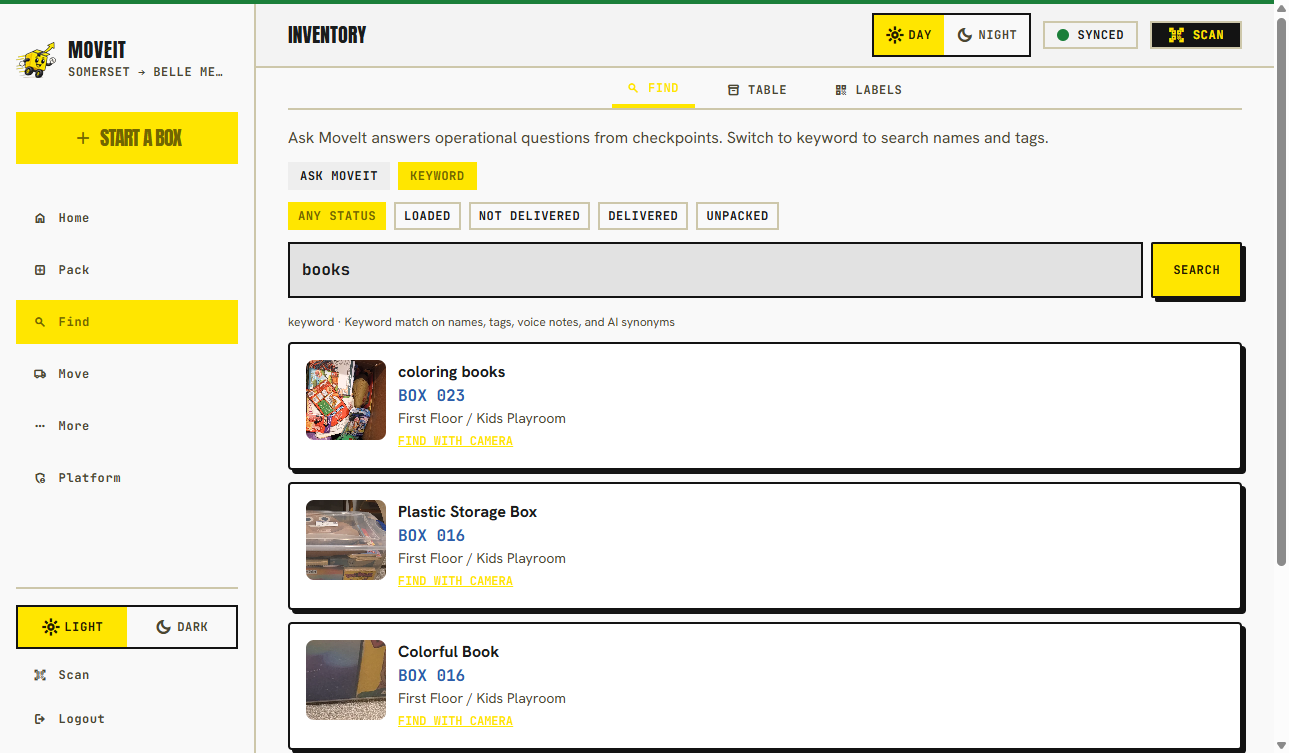
Item journey shows how something got from the truck to the hall closet.
Privacy
Public QR scans stay destination-only by default even after you unpack. Detailed contents, serials, and receipts are not the crew view.
How box privacy works →FAQ
No. We are not a carrier. The catalog can hold serials, receipts, and condition photos so you have a record. Whether an insurer accepts that record is their decision.
Yes. A paid move stays unlocked. Optional home-inventory billing is $9/month when a Stripe price is configured and you want that extra after the move.
The household owner or admin can turn cloud AI off in Settings. Photos you already saved stay in the inventory either way.
Keep going
Photograph as you pack. That is the record you keep.
Free to try, $29 per move, $9/mo if you want the extra after.
Serials, receipts, condition photos, and a PDF an adjuster can open.
Get the house working before you turn the catalog into locations.